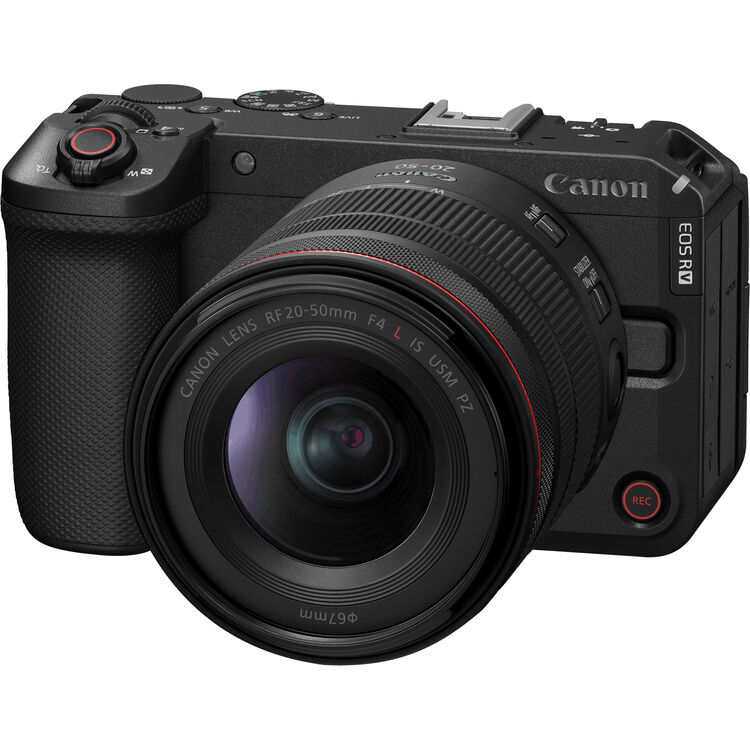
Pre-orders are available at B&H Photo: Canon EOS R6 V RF 20-50mm F4 L IS…
Canon published wireless file transmitter guides

The Canon Digital Learning Center published the setup guides for its WFTs (wireless file transmitter, the PDF-guides are at the end of the article). All aspect of a WFT setup are covered, Mac and Windows guides available. There are 12 guides ready for download. Using a WFT enables your camera to connect to a computer network, hence you can remotely control the camera using a PC/Mac, or a tablet. The camera is controlled either through a web-interface or Canon’s EOS utility. Moreover, the WFT can act as a FTP server, transferring files (i.e. images) over the network. There is more to play around, as the linked shooting mode, where more cameras are setup up in a master-slave setting. If one camera is triggered to fire, the others will follow.
The Canon EOS Wireless File Transmitter (WFT) allows you to wirelessly transmit still image files from your camera to a remote computer. When the WFT is set up for WFT Server or EOS Utility Mode, you can use your computer to control camera functions such as Live View, white balance, exposure and focus. Another option is Linked Shooting Mode, which allows you to wirelessly trigger up to ten WFT-linked cameras simultaneously.
The following cameras are supported:
| Camera | WFT Model (click to check price) |
| [shoplink 4119]EOS 1D X[/shoplink] EOS C300 (remote access only) | WFT-E6A |
| [shoplink 271]EOS-1D Mark IV[/shoplink]
EOS-1D Mark III* [shoplink 271]EOS-1Ds Mark III[/shoplink]* *With firmware upgrade |
WFT-E2 II A |
| [shoplink 2431]EOS 5D Mark III[/shoplink] | WFT-E7A |
| [shoplink 254]EOS 5D Mark II[/shoplink] | WFT-E4 II A |
| [shoplink 337]EOS 7D[/shoplink] | WFT-E5A |
Cool thing, except for the fact that these WFT cost around $600-$800. :-)
[via shutterfinger]Related Posts