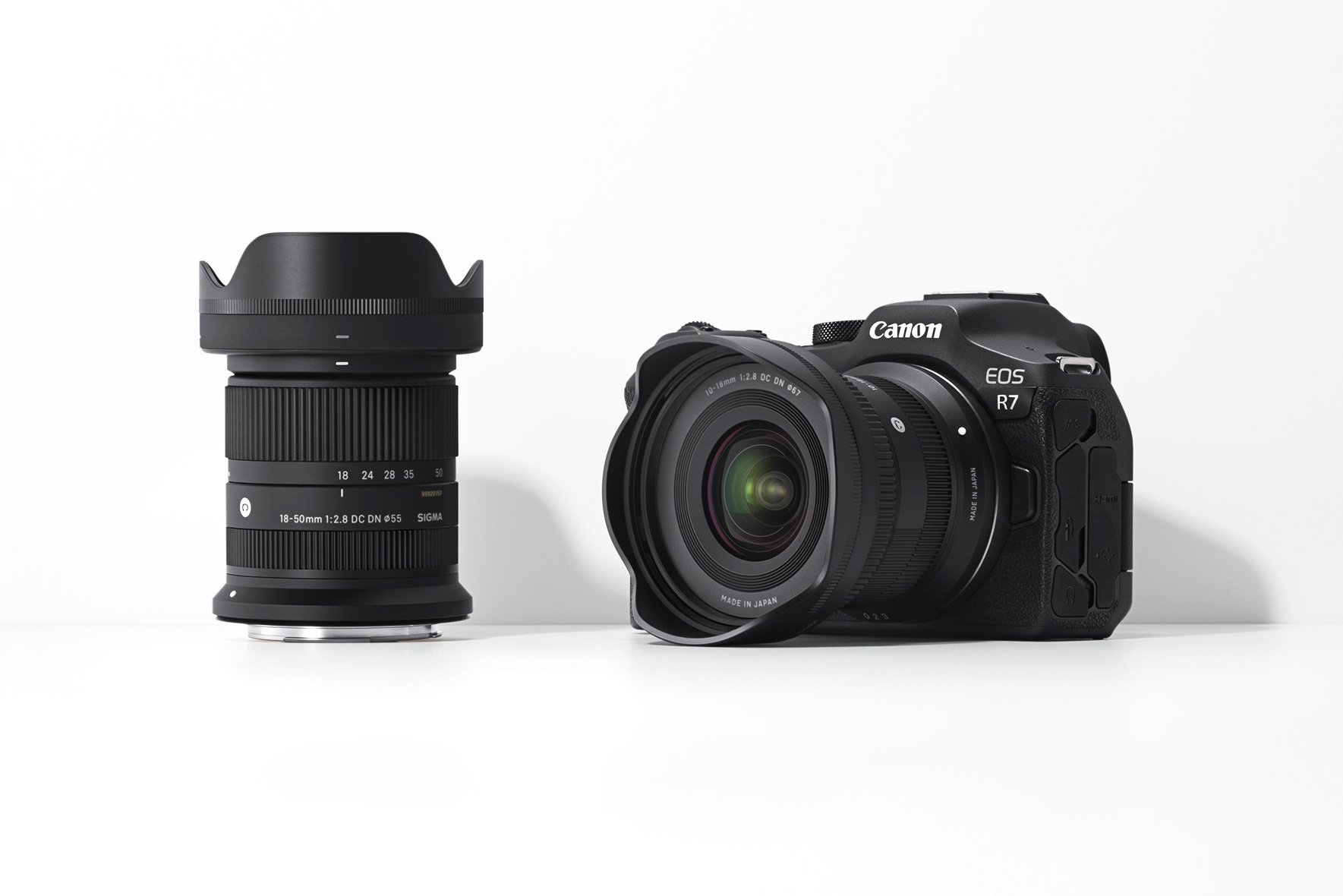
I guess many of us were waiting for this: the possibility to use Sigma's excellent…
Create Multiple Exposure Pictures Using Canon Digital Photo Professional

Time ago I wrote about the EOS-1D X and EOS 5D Mark III capability to produce multiple exposure pictures. This is a cool thing, if you have a DSLR that supports it. For the rest of us…there is an app. Jokes beside, Jan Shim found out that you can obtain the same results simply using Canon’s DPP (which is bundled with every Canon DSLR). DPP handles RAW and JPG files, and is a very powerful post processing tool. To create multiple exposure pictures you have to use the Compositing Tool (DPP’s Tools menu). If you check Jan’s post you’ll see how easy this can be accomplished with DPP. Btw, DPP features also an HDR tool. Anyone tried it out?
[via shimworld]
Related Posts