Tony & Chelsea Northrup posted a 29 minutes video where they analyze and compare the two major brands in photography today, Canon vs Nikon. Who does better, different etc.
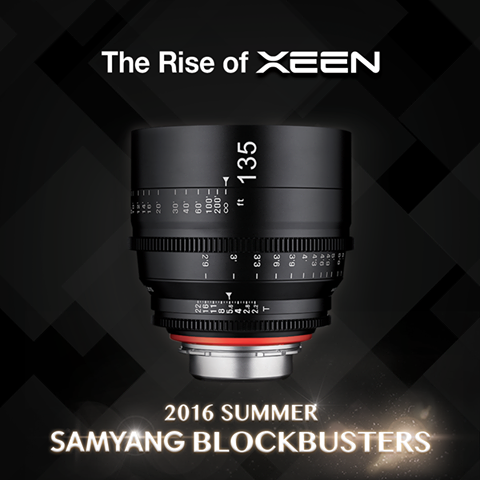
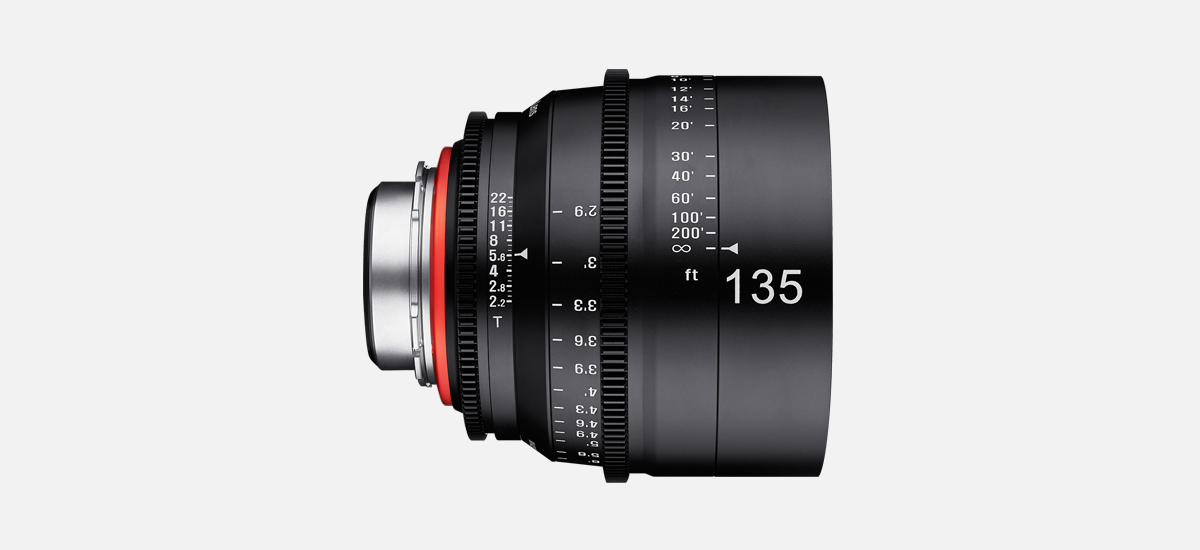
Last week Samyang (aka Rokinon, Bowers etc) teased us on Facebook about 5 new lenses they were going to announce. One every monday for the next 5 weeks. The first of thoses lenses has been unveiled today, it’s the Xeen 135mm T/2.2.
MELVILLE, N.Y., July 14, 2016 – Canon U.S.A., Inc., a leader in digital imaging solutions, today announced its new Canon Connect Station mobile applicationi for the Canon Connect Station CS100 deviceii. This application makes it easy to view, transfer, upload and share cherished photos from a compatible smartphone or tablet.
The new Canon Connect Station mobile application makes it easy to connect to the Canon Connect Station CS100 device from a compatible smartphone or tablet. Users simply connect to the same wireless network and open up the Canon Connect Station mobile application to start browsing, uploading, and downloading images. Users can also “drag and drop” images from their computer or select multiple images at a time from a compatible smartphone or tablet to the Canon Connect Station CS100 device. The application can save over 1,000 images at one time and easily identifies previously saved and stored photos, helping to eliminate duplicates stored on the Canon Connect Station CS100 device. The application also now makes it easy to save single images, or entire albums, stored on a Canon Connect CS100 device to a compatible mobile device. Additionally, users will be able to edit album names and add comments using the mobile application that can be saved to the Canon Connect Station CS100 device.
The Canon Connect Station CS100 device is a go-to-photo and video hub that provides a place for family members to share, store, manage and view unforgettable memorable moments. The Canon Connect Station CS100 device offers up to 1 TB of wirelessly accessible storage with the capacity to store approximately 150,000 photos or approximately 70 hours of video contentiii. Photos can be transferred from a compatible smartphone or tablet to the Canon Connect Station CS100 with the new mobile application; or photos and videos can be transferred to the device by tapping an NFC-equipped Canon camera or camcorder, in addition to using the available SD/CF card slots and USB connection. Once loaded onto the Canon Connect Station CS100 device, photos and videos are automatically organized by date or shooting device, and can be quickly accessed and enjoyed. Photos and videos from the Canon Connect Station CS100 device can be played on an HDTV via an HDMI cable, or printed wirelessly to a compatible Canon wireless printer such as the PIXMA MG7720iv, allowing families to relive special memories together or wirelessly share photos and video with family members who may be in different locations between two Canon Connect Station CS100 devices.
The new Canon Connect Station Mobile Application is available for free on the Apple App Store and Google Play Store. For more information about the Canon Connect Station CS100 Mobile Application please go to: usa.canon.com/cs100mobile
For a limited time, the Canon Connect Station CS100 device will be available for $99.99 with the purchase of an eligible Canon camera or camcorder such as the Canon EOS Rebel T6i or Canon VIXIA HF R70. For more information, visit: usa.canon.com/cs100mobile
Samyang (aka Rokinon) just posted a teaser on their Facebook page, saying:
In this Summer, the five Samyang Blockbuster series will blow your mind away!
5 NEW Samyang Lenses will be released on every Monday for the next five weeks.
So far no idea what kind of lenses they are going to announce. However, it’s a pretty safe bet that they will come with Canon mount (among others). Stay tuned.
An average image doesn’t cut it for Adventure Photographer Krystle Wright. In ‘The Shot’ she pushes herself and her gear to absolute extremes to capture something exceptional.
Canon XC10 Firmware Update – Improved AF Test – NewsShooter
The Canon 1DX mkII 4K video DSLR reviewed by Jon Roemer – NewsShooter
Field Test: Bird Photography with the Canon 7D II and 300mm f/2.8 II – PetaPixel
Meyer-Optik Will Make Rare, Special Edition Gold-Plated Trioplan 100mm – PetaPixel
7 Reasons Why I’m Still a Nikon DSLR User, by Thom Hogan (editors note: the article discusses the benefits of DSLR over mirrorless cameras. What is said perfectly applies also to Canon gear) – PetaPixel
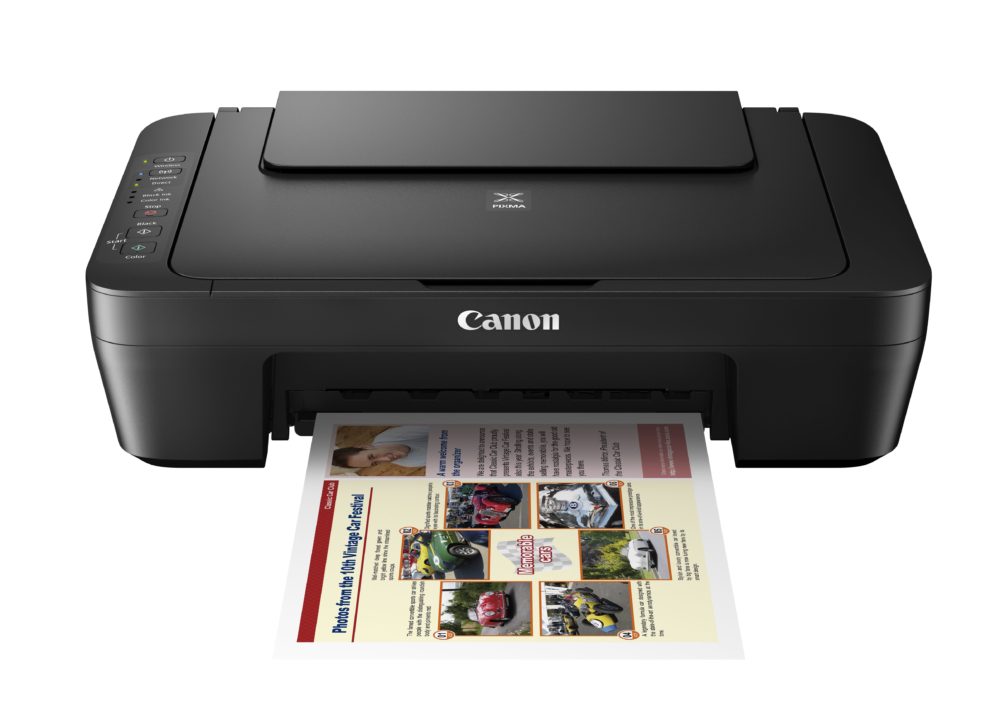
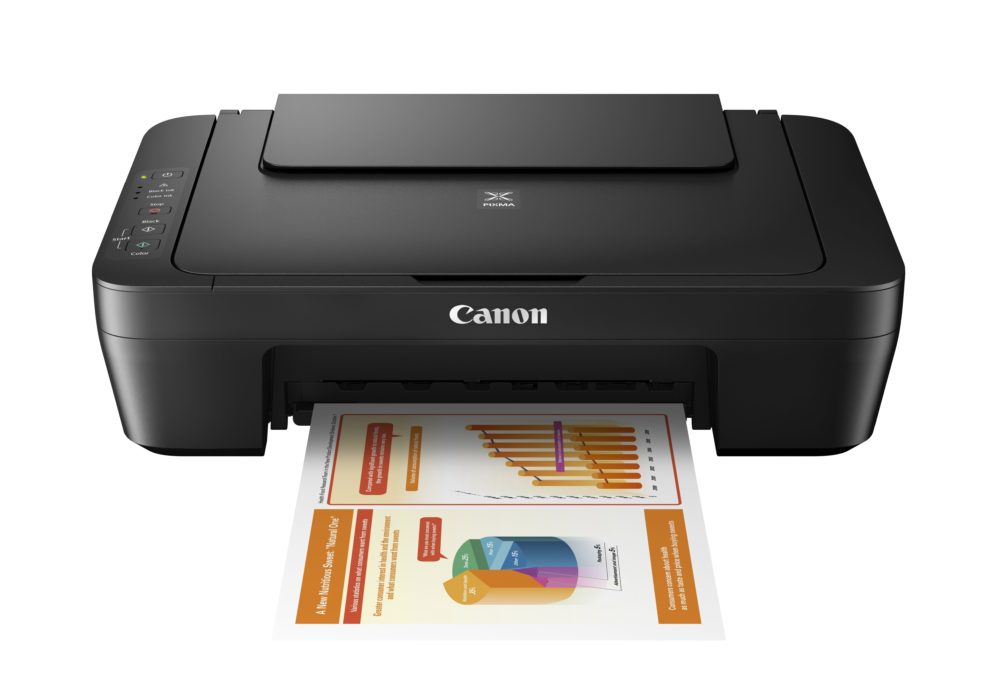
London, UK, 12 July 2016 – Canon today unveils two new All-in-One PIXMA inkjet printers – the PIXMA MG3050 series and PIXMA MG2550S. Designed for the home, both new models are perfect for printing high quality documents and photos, and the compact, sleek design, means they easily fit into any study or home workspace.
Photo enthusiasts can enjoy bringing their pictures to life in vivid, vibrant colours on the new PIXMA MG3050 series and PIXMA MG2550S with Canon’s hybrid ink system, using dye and pigment based inks together for beautiful photos, as well as crisp, sharp text in documents. For photo-lab quality prints and fine detail in an instant, the FINE (Full-photolithography Inkjet Nozzle Engineering) cartridge ink lets you create virtually grain free, smooth prints, while XL cartridges allow you to print more pages.
Connected printers for a connected world
Using Wi-Fi connectivity, the PIXMA MG3050 series enables wireless printing from laptops and PCs as well as smartphones and tablets using the Canon PRINT app, while cloud printing means you don’t need to be in the home to get your prints started – you can print from services and social media platforms including Instagram™, Facebook™, Google Drive™ and more. Quickly connect devices at home with Access Point Mode to wirelessly use the printer without even needing to be on the same Wi-Fi network. For days when you’ve no time to spare, documents can be scanned and sent directly to your mobile device so you can take them with you.
Freedom to be creative
For creative inspiration, the PIXMA MG3050 series and PIXMA MG2550S include My Image Garden for Mac or PC, which organises all photos in one easy-to-use location before creating unique photo layouts automatically, making beautiful displays and prints possible in an instant. The printers also come with access to CREATIVE PARK PREMIUM, an online service for Canon genuine ink users featuring inspirational designs and projects from professional artists and photographers.
With the PIXMA MG3050 series, photo enthusiasts can create new 5×5” square style photo prints, perfect for framing and displaying in the home or even printing as gifts for friends and family. You also have access to Easy-PhotoPrint+ from a tablet, PC or Mac, helping you get creative using images stored on mobiles or in the cloud, with templates including greeting cards, calendars and more.
PIXMA MG3050 series key features:
Smartphone and cloud printing with the Canon PRINT app
High-quality printing, copying and scanning
8 ipm mono, 4 ipm colour
Easy-PhotoPrint+ for creative printing
Simultaneous Wi-Fi and Access Point Mode connectivity
This website or its third-party tools use cookies, which are necessary to its functioning and required to achieve the purposes illustrated in the cookie policy. If you want to know more or withdraw your consent to all or some of the cookies, please refer to the cookie policy. By closing this banner you agree to the use of cookies.



 ,
,