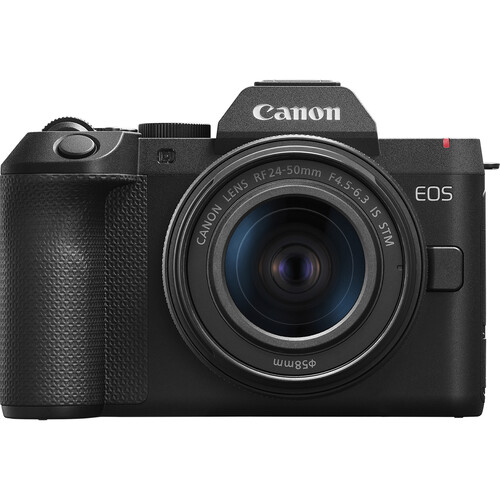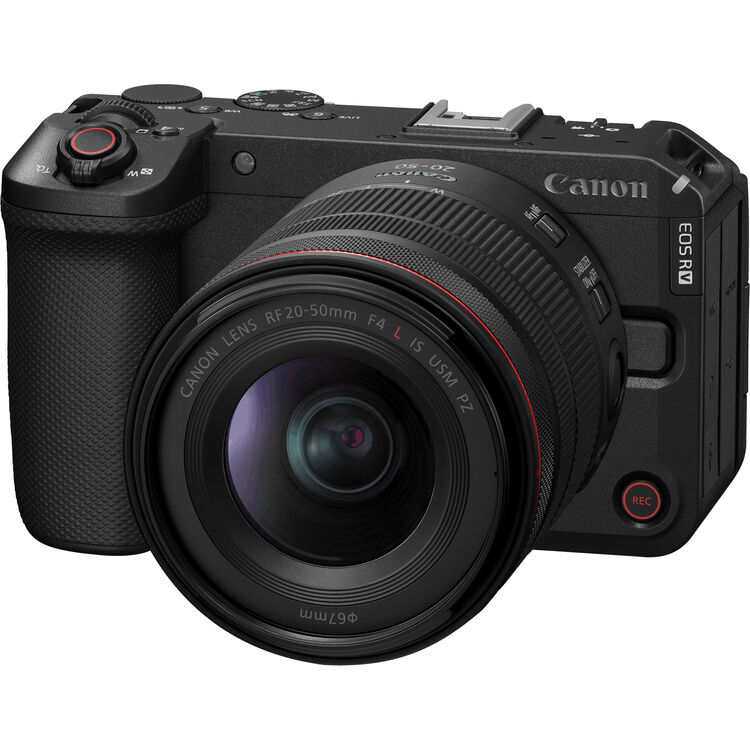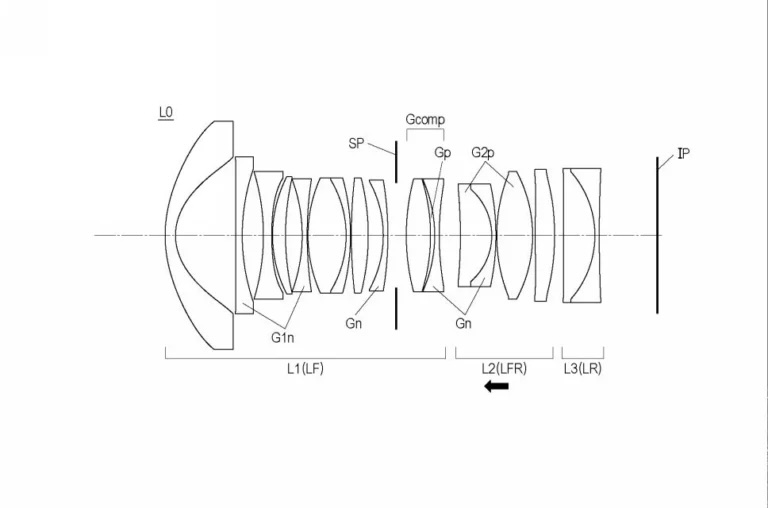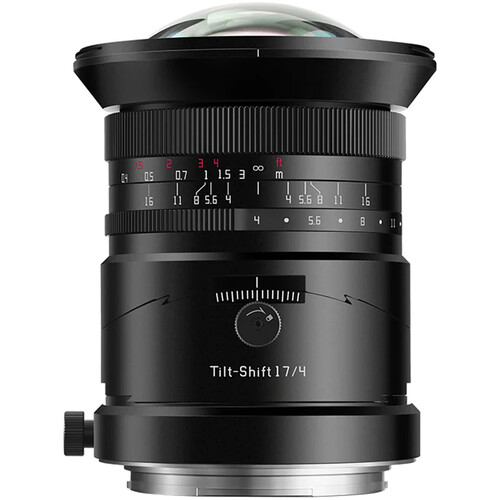
The EOS R8 Mark II is real, a 300-600mm may be weeks away, and the…
Canon EOS R5 Mark II Firmware 1.1.0 Released
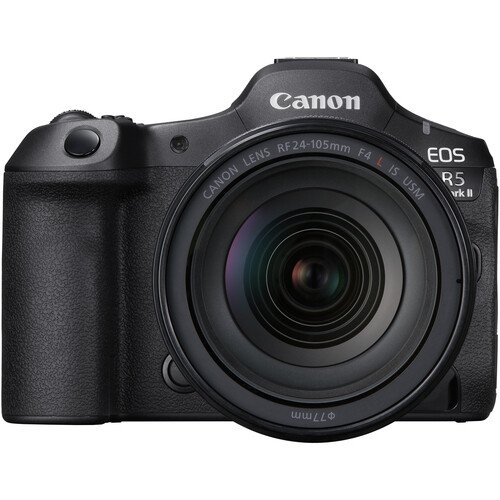
Canon released a firmware update (download) for the Canon EOS R5 Mark II, version 1.1.0.
This is what is new:
- The security function has been improved.
A password can now be requested when the power is turned on.- You will need to set a password the first time.
- You can change the settings so that the password request screen does not appear.
- You can check the history of password changes, network information changes, etc.
- *Please refer to the detailed guide “Setting a Password” on cam.start.canon.
- You can now update the firmware on the camera alone by downloading it from the Internet.
- 100/120Hz flicker can now be automatically detected during live view.
- It is now possible to register the focus position in the preset function of the Camera Remote Application CR-A100. When used with the Robotic Camera System CR-S700R, this makes it easier for the photographer to focus on the intended subject distance and take pictures.
- The servo AF characteristics have been expanded to include [Case Special], which is suitable for shooting subjects through a net, such as badminton and volleyball.
- Added support for the digital camera software development support kit (EDSDK/CCAPI).
- A function has been added that allows you to protect an image at the same time as rating it.
- Improved image stabilization control for lenses that support peripheral coordinated control.
- Supports CFexpress cards up to 8TB.
- Cards over 8TB require a low level format in the camera.
- Any card over 8TB will be treated as an 8TB card.
- Cards larger than 2TB cannot be used for firmware updates
- A setting has been added to lower the image capture frame rate to prevent heat generation when connecting the CR-A100 and taking remote shots over long periods of time.
- When transferring images with voice memos via FTP, the order of transfer has been changed to voice memo, then image. Also, if a voice memo is added to an image waiting to be transferred, the image and voice memo will be transferred last.
- The number of shots recorded during pre-continuous shooting can now be set in single increments.
- [Airplane Mode] has been added to the shooting button customization.
- It is now possible to simulate exposure when using a strobe.
- AF tracking performance has been improved for subjects that are difficult to focus on when shooting video.
- Fixed an issue that could cause Err70 to occur when enlarging the display after shooting with [Blackout Free Display] set to “On” and [Servo AF 1st Frame Release/One-Shot AF Release] set to “Release Priority.”
- Fixed an issue where Err70 could occur during Bluetooth communication due to interference from other Bluetooth devices.
- Fixed the phenomenon that Err70 would very rarely occur when repeatedly shooting in “High-speed continuous shooting +”.
- Fixed the phenomenon that Err70 would very rarely occur when shooting with the electronic shutter immediately after starting up the camera.
- Fixed the phenomenon that Err70 occurs very rarely when recording video with the “FHD239.8P/200.0P” setting.
- Fixed an issue that occasionally caused Err70 to occur when using the camera in movie mode with the frame rate set to “50.00P” and [Movie Digital IS] set to “On” or “Strong.”
- Fixed an issue that could cause Err70 to occur while waiting to shoot when [Pre-recording] was set to “On” and [Auto Transfer] to image.canon was set to “Yes”.
- Fixed an issue that could cause the camera to stop working properly if [Review] was set to “Off” and the monitor displayed a low brightness image after taking pre-continuous shots.
- Fixed an issue that could cause video recording to be impossible when using remote live view shooting in EOS Utility with HDMI output.
- Fixed an issue where large RAW images could not be transferred via Camera Connect.
- Fixed an issue where horizontal lines would momentarily appear in the viewfinder.
- Fixed the issue of being unable to connect to a Wi-Fi 7 compatible router.
If your camera’s firmware is version 1.0.1, please perform the firmware update with only one memory card inserted in the camera.
If your camera’s firmware is already version 1.1.0, there is no need to change the firmware. If you wish to change the firmware, please read this page carefully to the end before using the download service.
Note: The instruction manual has been revised to reflect this improvement. Please download it together with the new firmware before use. The latest instruction manual can be downloaded from our website.
Related Posts