Canon EOS R7 vs EOS R6 – Full Comparison and Differences
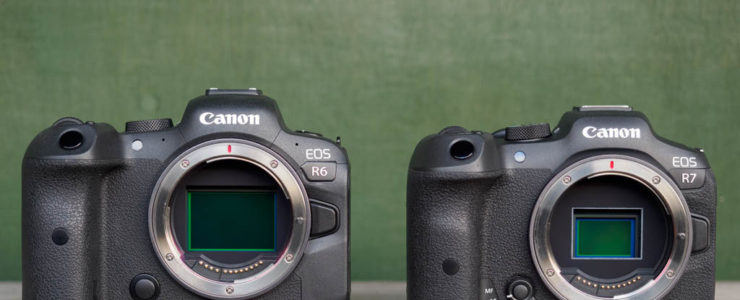
EOS R7 vs EOS R6

Here is a Canon EOS R6 vs EOS R7 comparison review.

At a glance:

Canon EOS R6 at a glance:

  • 20MP Full-Frame CMOS Sensor
  • DIGIC X Image Processor
  • 4K60p and FHD 120p 10-Bit Internal Video
  • Sensor-Shift 5-Axis Image Stabilization
  • 12 fps Mech. Shutter, 20 fps E. Shutter
  • Dual Pixel CMOS AF II with 1053 Points
  • 0.5″ 3.69m-Dot OLED EVF
  • 3″ 1.62m-Dot Vari-Angle Touchscreen LCD
  • Subject Tracking with Deep Learning
  • Dual SD UHS-II Memory Card Slots

Canon EOS R7 at a glance:

  • 32.5MP APS-C CMOS Sensor
  • Dual Pixel CMOS AF II
  • 4K60 10-Bit Video, HDR-PQ & C-Log 3
  • 30 fps E. Shutter, 15 fps Mech. Shutter
  • 2.36m-Dot OLED EVF
  • 1.6m-Dot Vari-Angle Touchscreen LCD
  • Sensor-Shift 5-Axis Image Stabilization
  • Dual UHS-II Memory Card Slots
  • Multi-Function Shoe, Wi-Fi and Bluetooth

Our friends at Mirrorless Comparison posted a neat Canon EOS R7 vs EOS R6 comparison review. From their conclusion:

[…] as soon as you start to push the R7 to its highest performance, there are important limitations to be aware of.

The drive speed of 30fps sounds great, but you have to deal with a small buffer and invasive rolling shutter (which is valid for video too). The RAW Burst setting gives you the pre-shooting mode, but the limited workflow built around it can be frustrating.

From an ergonomics point of view, the design is very good except for that large wheel located around the AF joystick, which you need to lock if you don’t want your AF point to jump all over the place.

What about the R6? Well, this one is easy. I was already well acquainted with it before the R7 arrived. It is the camera that finally put Canon amongst the main players on the mirrorless market (along with the R5).

The review comes with a rich set of sample photos, test charts, and more. Do not miss it. If you prefer watching a video review, below you find what you need.

More Canon EOS R7 reviews are listed here. For more Canon EOS R6 review stuff see here

Canon EOS R7: [shoplist 69416]

Canon EOS R6: [shoplist 62745]
Canon Firmware Update For EOS R6 and EOS R6 (version 1.7)

Canon EOS R5 review

Canon released a minor firmare update for the Canon EOS R5 and Canon EOS R6. At the time of writing, the updates are not available on Canon USA’s site. you can download the firmware updates from Canon Japan.

Changes are minimal:

  1. Corrected the phenomenon that, on rare occasions, the camera would not operate normally while shooting a small subject.
  2. Fixed minor bugs.

Today Only: Vello Auto Extension Tubes for Canon Lenses (RF, EF) – $49.95 (reg. $79.95)

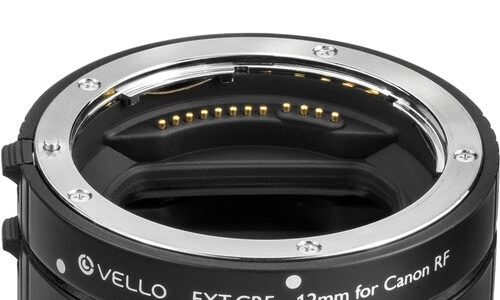
vello Auto Extension Tubes

Only for today (12/5/2022) B&H Photo has a $30 discount on the Vello Auto Extension Tubes for Canon RF-Mount Lenses, for RF and EF mount lenses.

At a glance:

  • Shortens Minimum Focus Distance of Lens
  • Provides Macro Capability
  • Maintains Autofocus & Auto-Exposure
  • Durable Metal Mounts
  • For Canon RF-Mount Lenses
  • Includes 12 and 20mm Tubes
  • Use Tubes Individually or Combined
  • Lightweight and Durable Design
  • No Optical Elements

Get the Vello Auto Extension Tubes for Canon lenses at $49.95:

More selected deals:

Click here to open the rest of the article

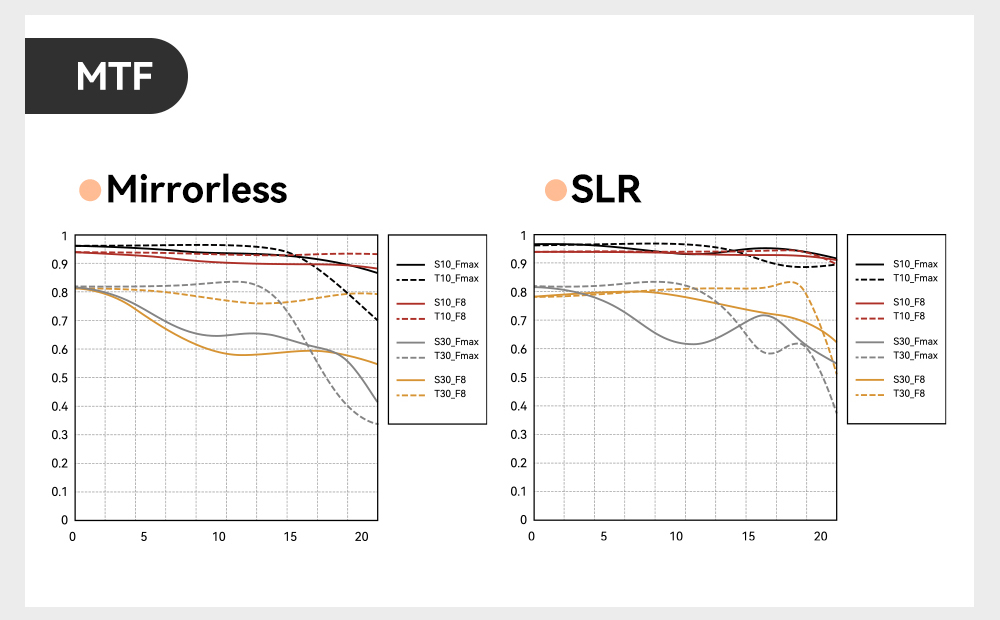
TTArtisan 11mm F2.8 Fisheye Lens Announced (Canon RF)

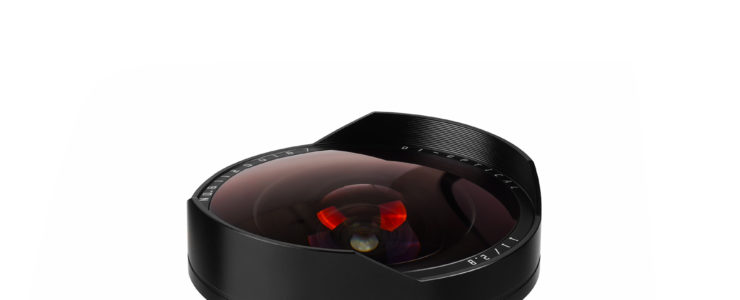
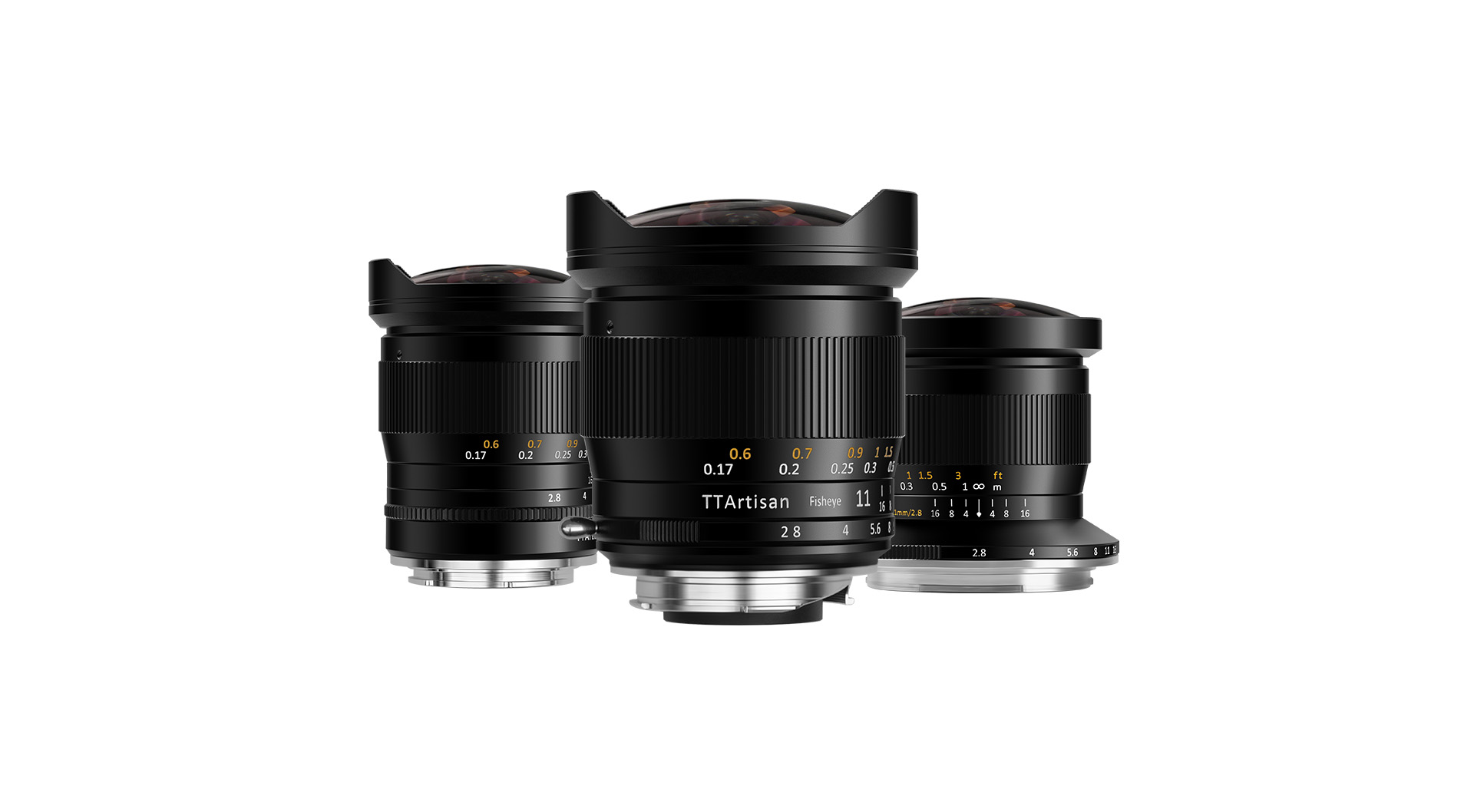
A new lens for the RF mount, the TTArtisan 11mm F2.8 Fisheye

At a glance:

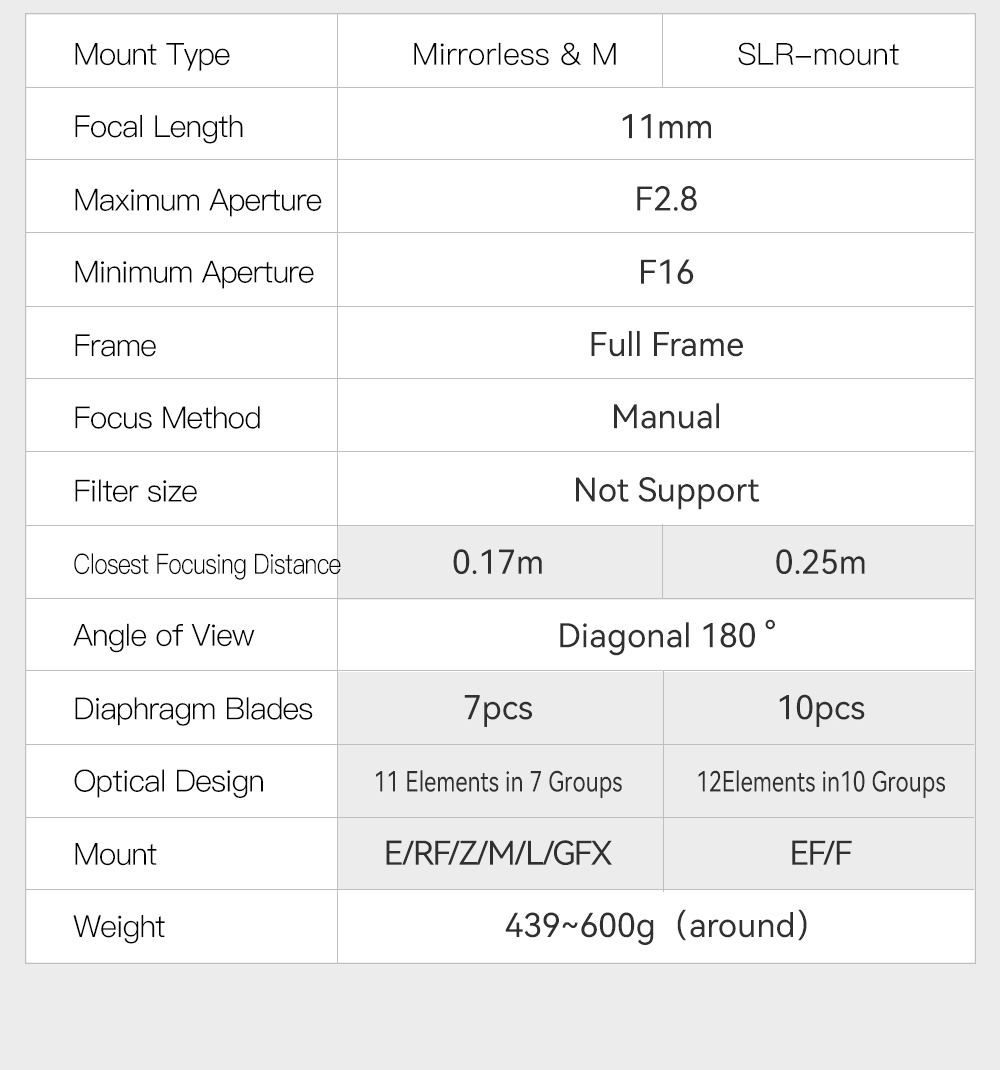
  • RF-Mount Lens/Full-Frame Format
  • Aperture Range: f/2.8 to f/16
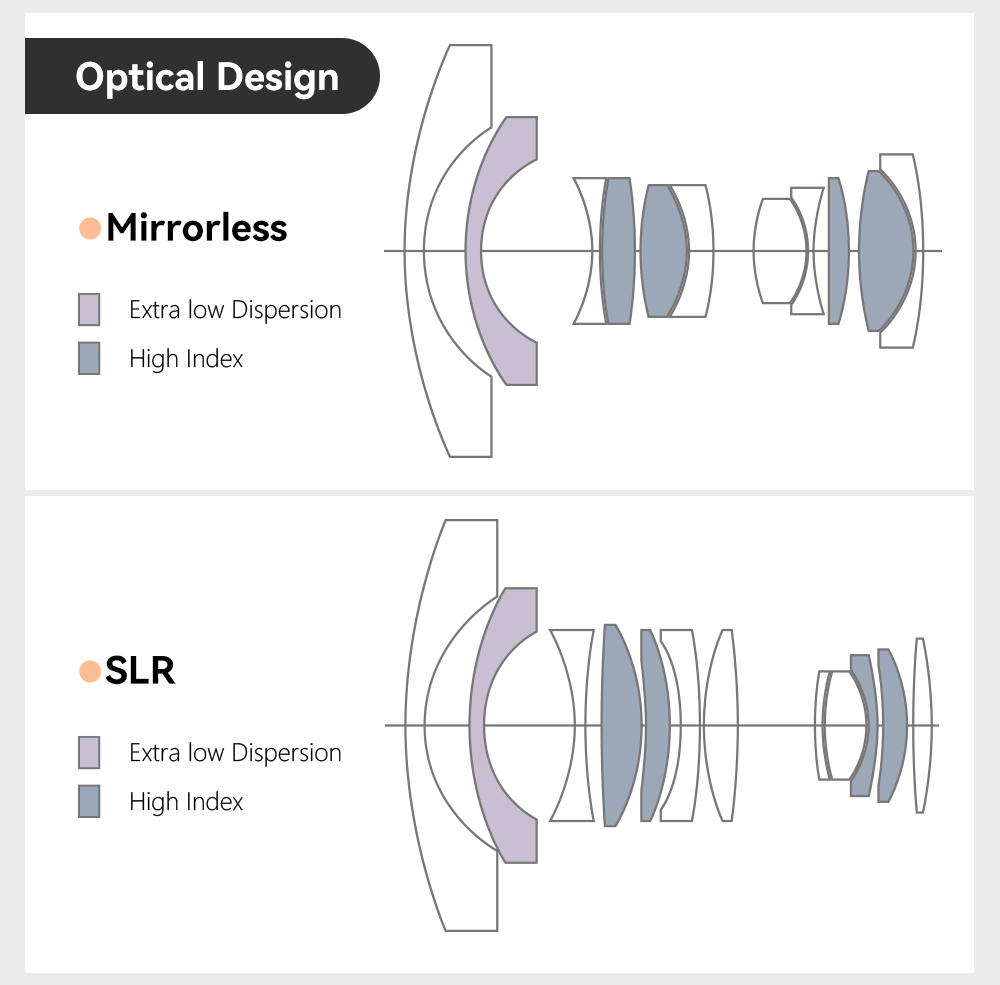
  • Fisheye Optical Design
  • Manual Focus Operation
  • Minimum Focusing Distance: 6.7″
  • 7-Blade Diaphragm
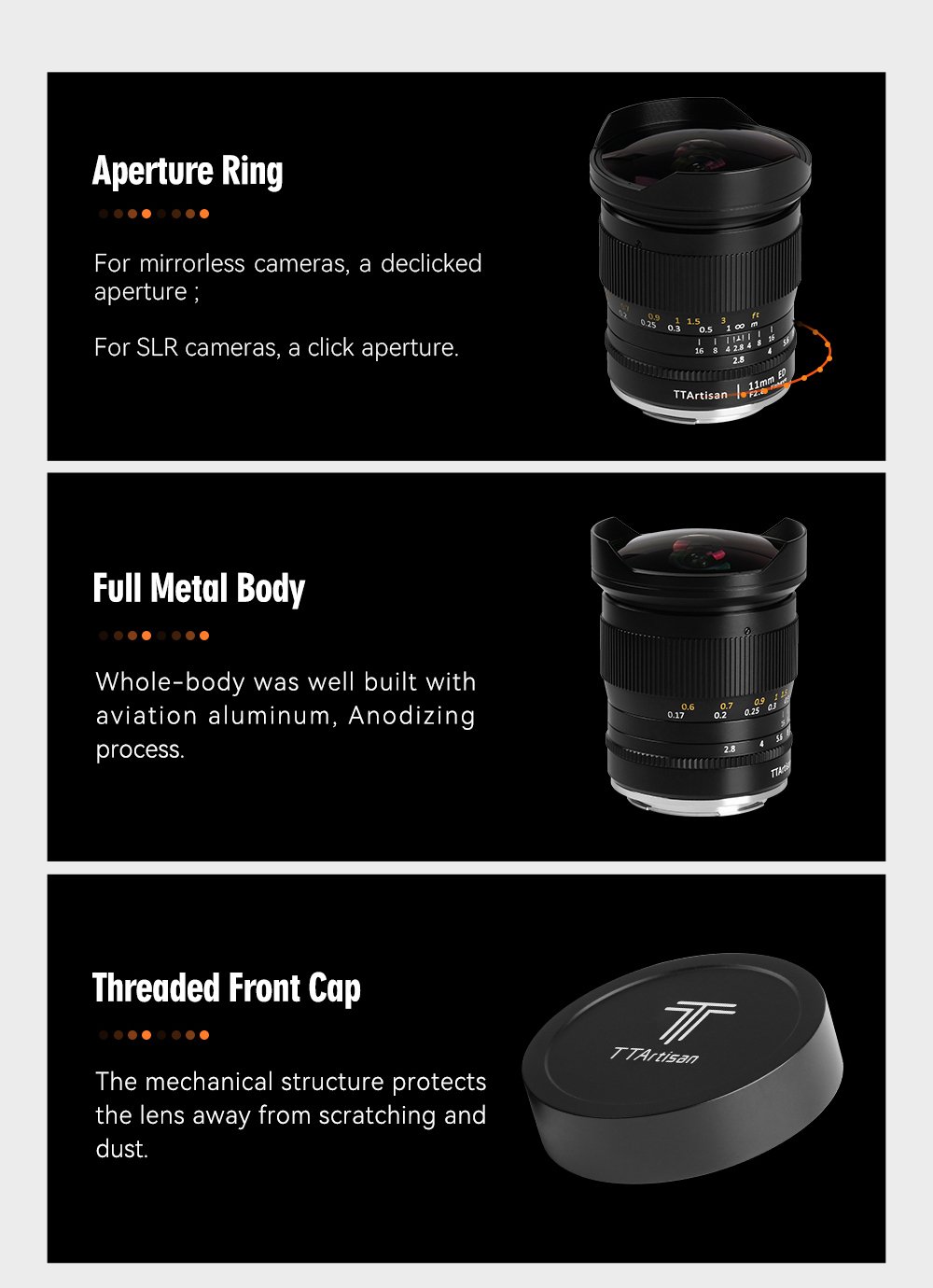
  • Built-In Lens Hood

The lens is available at $215 at B&H Photo and Adorama and Amazon.

TTArtisan 11mm f/2.8 Overview

Offering a uniquely wide angle of view, the TTArtisan 11mm f/2.8 is a fisheye lens designed for Canon RF-mount mirrorless cameras. The expansive field of view and distinct fisheye look is characterized by immense depth of field along with strong distortion for creating very striking and dynamic imagery. The wide-angle design is also complemented by a bright f/2.8 maximum aperture, to suit working in available lighting conditions, and the lens’s manual focus design permits working with subjects as close as 6.7″ away.

Ultra-wide prime is designed for full-frame Canon RF-mount mirrorless cameras.

Fisheye design renders an immensely wide angle of view to produce distinct visual appeal characterized by dramatic distortion and a creative depiction of space.

Manual focus design permits smooth, refined control along with a minimum focusing distance of 6.7″.

Built-in petal-shaped lens hood that helps to block stray light from causing lens flare and also offers some physical protection to the front of the lens.

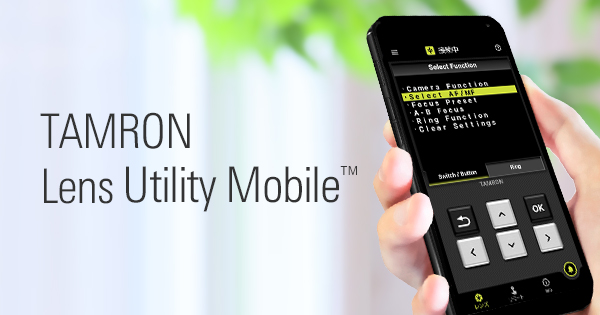
Tamron Announced “Lens Utility Mobile” For Android Devices

Tamron SP 35mm f/1.4 review

Tamron released a “Lens Utility Mobile” app for Android devices. See below for what it is good.

Tamron press release:

TAMRON announces TAMRON Lens Utility Mobile™ for Android™ 1 OS; users can tune lens features in the field via a smartphone

November 29, 2022, Saitama, Japan – Tamron Co., Ltd. (President & CEO: Shiro Ajisaka; Headquarters: Saitama City), a leading manufacturer of optics for diverse applications, announces the launch of TAMRON Lens Utility Mobile™, a dedicated application for smartphones and tablets running with Android™ 1 OS that provides convenient use in the field and expands the possibilities of video and still photography.

The application is the mobile version of the TAMRON Lens Utility™ dedicated Windows and Mac PC software that has earned praise from many TAMRON lens users since its release in October 2021 and was developed in-house by TAMRON.

APPLICATION NAMETAMRON Lens Utility Mobile™
DATE OF LAUNCHNovember 29, 2022
COMPATIBLE OSAndroid 6-12 2
COMPATIBLE LENS 3 428-75mm F/2.8 Di III VXD G2 (Model A063)
35-150mm F/2-2.8 Di III VXD (Model A058)
20-40mm F/2.8 Di III VXD (Model A062)

Summary of TAMRON Lens Utility Mobile

October 2021 marked the release of TAMRON Lens Utility, a dedicated PC software that enables the customization of various functions of select TAMRON lenses to match the video and still photography style of the lens user. Since then, we have received feedback regarding improved convenience from customers wishing to make lens function customizations when shooting in the field. As a result, we have developed TAMRON Lens Utility Mobile for Android OS. Using the TAMRON Connection Cable 5, an Android smart device can be connected to a lens to easily configure lens customizations without requiring a computer.
A new function that enables lens operations to be controlled from a smartphone has also been added. For example, the A-B Focus function that smoothly shifts the focus from one preselected subject to another can be setup without touching the lens.
Expansion of functions in the future is possible to make users even more comfortable to try out video production.

  1. Tethered remote controlDedicated features developed for the smartphone can be configured to perform tethered control.
    (Features that can be configured with the Remote Set Button in the application)
    – A-B Focus: Set 2 focus positions (A and B) and make the focus shift between A and B 6
    – Focus Preset: Set your desired focus position and move the focus to the recorded point by a single tap of the Remote Set Button 6
    6 With the Mobile version, the focus travel time can be specified in 0.1-second increments. With the PC version, there are eight possible speed levels.
  2. Customizing the Custom Switch or Focus Set Button (Normal functions available with the PC version)- A-B Focus: Set 2 focus positions (A and B) and make the focus shift between A and B 6
    – Focus Preset: Set your desired focus position and move the focus to the recorded point by a single press of the Focus Set Button 6
    – Focus Limiter: Select the autofocus search range between Full and Limit
    – Select AF/MF: Select AF and MF function using the Focus Set Button
    – Switch Focus Ring Function (Focus/Aperture): Switch Focus Ring Function from focus adjustment to aperture adjustment
    – Assign function from the camera: Assign custom functions from the camera body to the Focus Set Button

Learn more here…